Technology Requirements for Online PharmD Students

Co-Founder and Chief Data Scientist
An online Doctor of Pharmacy (Pharm.D.) program can bring lectures to your home, but its exams, software, labs, and clinical training may demand more than a reliable laptop. For prospective students, an overlooked device restriction or required campus visit can become an expensive obstacle after enrollment. This guide separates common technology needs from school-specific rules, explains which parts of pharmacy training still happen in person, and gives you a practical way to compare programs before buying equipment or accepting an offer.
Key Things You Should Know
- Expect a compatible computer, stable broadband, webcam, microphone, and private exam space; confirm the program's exact specifications before purchasing anything.
- Online instruction does not eliminate hands-on labs or supervised introductory and advanced pharmacy practice experiences, known as IPPEs and APPEs.
- Check technology and travel costs alongside Accreditation Council for Pharmacy Education (ACPE) status, state authorization, and your intended state's licensing rules.
What technology do online PharmD students need to complete coursework and exams?
Most students need a computer capable of running the school's learning management system, video meetings, secure exam software, and assigned clinical-learning tools. A webcam, microphone, speakers or headphones, and a way to scan or upload documents may also be necessary.
Schools can impose different operating-system, browser, storage, and device-management rules, so a general shopping list is not a substitute for an admitted-student specification sheet.
Proctored exams deserve particular attention. A program may require a supported desktop operating system, a functioning webcam, room scans, identification checks, and an uninterrupted private space.
Shared or workplace computers can be unsuitable if an administrator blocks required software. When reviewing best online Doctor of Pharmacy programs, ask each school which exam platform it currently uses and whether students receive a practice test before a graded exam.
Do online PharmD programs require a laptop or desktop computer?
Plan on needing a laptop or desktop unless your program explicitly confirms another device is sufficient. A phone or tablet may work for viewing announcements, but it may not run secure testing software, display detailed clinical cases comfortably, or support required document uploads. Schools may also restrict Chromebooks, virtual machines, or older operating systems.
The distinction below helps you assess a device you already own; it does not override a school's published specifications.
| Device | Potential use | Common limitation |
| Laptop | Portable access to classes and coursework | Battery life, webcam quality, and exam-software compatibility vary |
| Desktop | Stable workspace for lengthy classes and exams | Less useful during travel or campus visits |
| Tablet or phone | Quick access to messages and some course materials | May not support proctored exams or full course functionality |
Do not borrow a computer checklist from short online doctorate programs: different credentials and schools can use different assessment platforms. Request the Pharm.D. program's current specifications before replacing a working computer.
What internet and software requirements apply to online PharmD programs?
Reliable broadband matters most during live classes, timed exams, and video-based assessments. Ask the school for its required download and upload speeds, whether wired access is recommended, and what happens if service fails during an exam. A mobile hotspot may be useful as a backup, but its speed, data allowance, and acceptability for proctoring are uncertain.
Software may include a learning platform, video-conferencing application, secure browser, office tools, drug-information resources, and virtual patient cases. The school may provide some licenses while charging for others; access to a database or simulated electronic health record does not necessarily mean hands-on proficiency.
If you are considering pharmacy program credit acceptance at another institution, check its software and device requirements separately - accepted credits do not carry over software access.
Online classes may combine recorded lessons with scheduled discussions, group work, simulations, and live skills assessments. "Online" does not mean self-paced. Programs may also require campus visits for laboratories, compounding, counseling practice, or other hands-on evaluations.
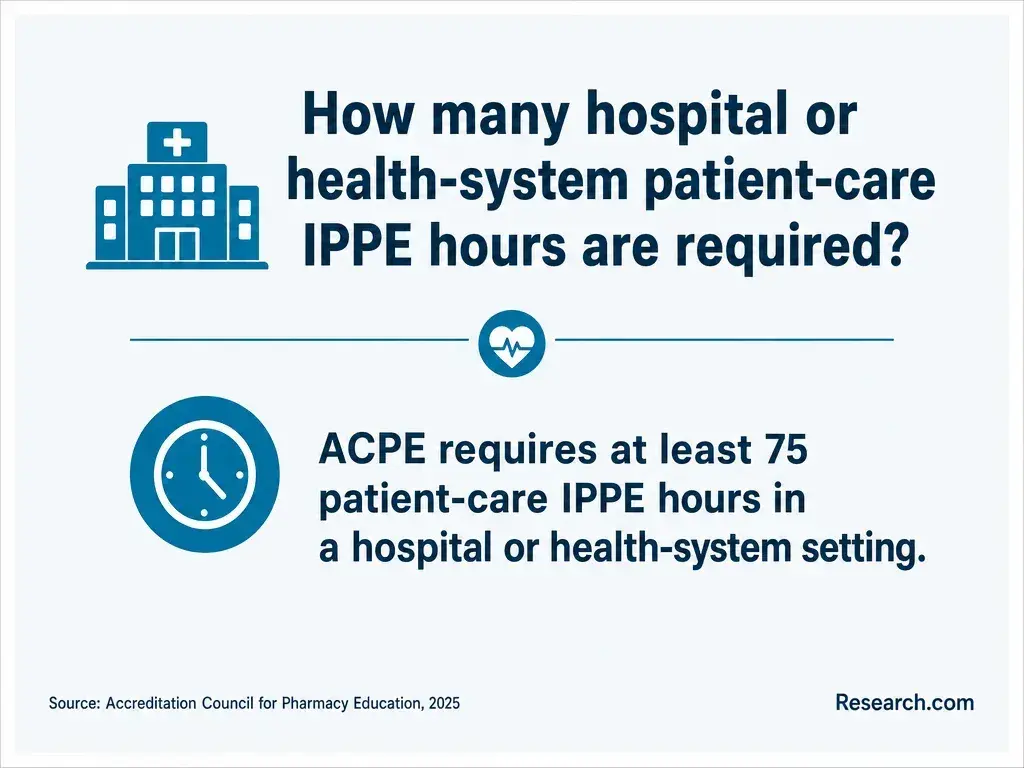
Clinical education is different from a virtual case. IPPEs introduce students to supervised pharmacy practice, while APPEs provide more advanced supervised experiences. These placements generally require attendance at approved practice sites.
Ask who identifies and approves sites, whether placements near your home are possible, and which travel, schedule, background-check, immunization, or intern-registration obligations fall to you. Do not assume employment at a pharmacy can replace a rotation.
Claims about online pharmacy education duration should be checked against the professional Pharm.D. curriculum and its experiential calendar. A shorter online pharmacy credential is not necessarily a route to pharmacist licensure.
Delivery format alone does not establish accreditation. ACPE accredits professional Pharm.D. programs; institutional accreditation concerns the college or university, while state authorization addresses whether it may offer distance education to students in a particular state. These are separate checks, and none issues an individual pharmacist license.
Before enrolling, confirm the specific professional program's current status in ACPE's official records, then request the school's disclosure for your state of residence and intended clinical-placement state.
Even pharmacy programs for students with varied academic backgrounds must be evaluated on their professional-program status, not just the flexibility of their entry pathway. Ask the intended state board whether the education and planned placements satisfy its rules.
Admission usually begins with undergraduate pre-pharmacy prerequisites, which are distinct from the professional Pharm.D. curriculum. Required subjects, labs, grades, credit minimums, and rules for older or online coursework vary by school.
A completed bachelor's degree is not universally required. Programs may also request transcripts, recommendations, interviews, and evidence of readiness for online learning.
Students pursuing Pharm.D. admission after pre-pharmacy coursework should have each school evaluate their courses rather than assuming similar course titles will qualify. Check whether the school uses PharmCAS, its own application, or both. The Pharmacy College Admission Test was retired in January 2024, so it should not be treated as a current routine admissions exam.
There is no dependable single price or completion time for online Pharm.D. study. Both depend on the program, your completed prerequisites, course sequence, and required experiential schedule.
Compare a school's published tuition and mandatory fees with the cost of a compliant computer, internet, software not supplied by the school, testing, campus travel, and possible housing near rotation sites. Less time on campus does not necessarily mean a lower total cost.
To reduce the cost of pharmacy school, request a written, itemized estimate for your entry pathway and ask which expenses can be covered by financial aid.
Federal borrowing rules changed for many new graduate and professional borrowers beginning July 1, 2026; confirm your classification, eligibility, and current options with the financial aid office rather than assuming older loan arrangements apply.
Do not assume that an online program - or a Pharm.D. degree by itself - qualifies you for a license in every state. A U.S.-educated applicant generally needs qualifying pharmacy education, to meet the relevant board's experience and application rules, and to pass required examinations, including the North American Pharmacist Licensure Examination (NAPLEX).
Jurisprudence testing varies by jurisdiction; some use the Multistate Pharmacy Jurisprudence Examination (MPJE), some began transitioning to the Uniform MPJE (UMPJE) in 2026, and requirements can change.
Meeting pharmacy program application requirements is not the same as meeting licensing requirements. Before enrolling, contact the board where you plan to practice about education, intern registration, rotations, exams, and any state-specific conditions. Also confirm that the school may enroll you where you live; distance-education authorization and licensure eligibility are separate matters.
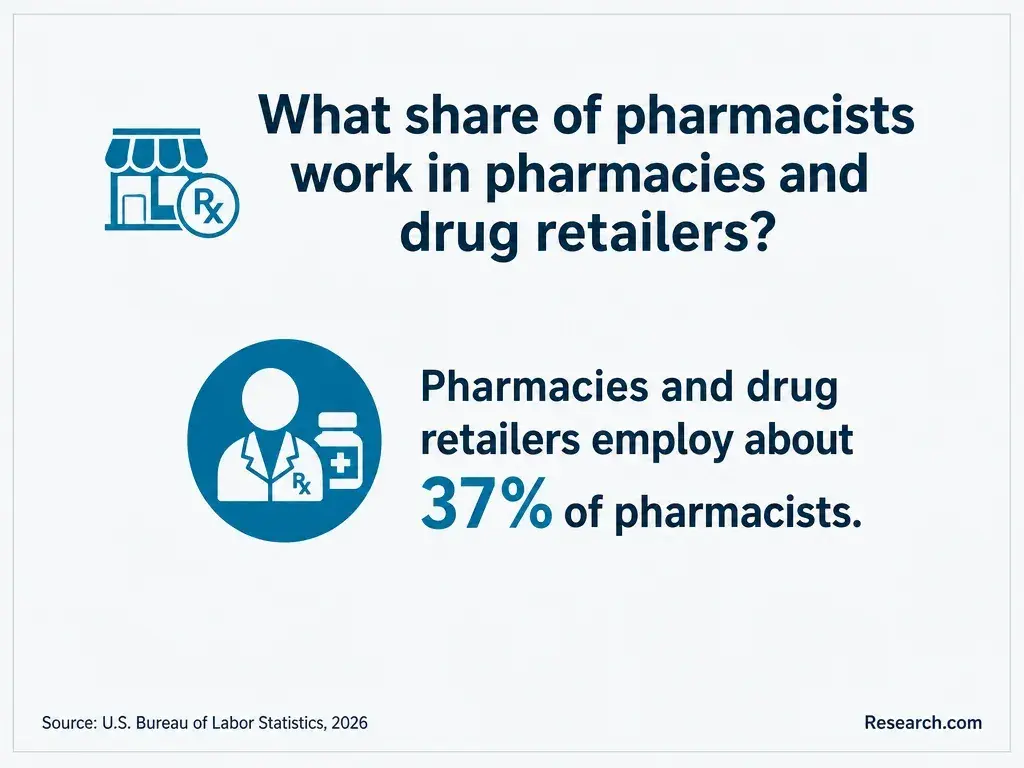
After meeting state licensing requirements, Pharm.D. graduates may pursue pharmacist roles in community, hospital, ambulatory care, or other settings. The U.S. Bureau of Labor Statistics reports median annual pay for pharmacists of $140,910 in May 2025, with 5% projected job growth, 2025-2035.
That occupation-wide median is not a starting salary or a forecast for graduates of a particular online program. Residencies, fellowships, and optional specialty board certifications can support particular career goals, but they differ from state licensure and are not universally required for pharmacist employment.
When you compare pharmacy degree costs and duration, weigh your likely tuition and time away from work against the specific licensed role you want - not an assumed salary outcome. Pharmacy technician positions are a separate occupation that ordinarily does not require a Pharm.D.
How should students compare online PharmD technology requirements?
Compare schools against your actual computer, internet connection, living situation, and ability to travel. Get answers in writing before paying an enrollment deposit or buying equipment, because a seemingly minor platform restriction can affect exams throughout the program.
Use this checklist with each program, recording its answer and the source or date of confirmation:
- Request the current minimum and recommended computer, operating-system, webcam, and internet specifications; test your existing setup against them.
- Ask which live sessions, proctored exams, simulations, and campus visits are required, and whether a private exam room is necessary.
- Identify required software and clinical resources, who pays for each, and whether technical support is available during evening exams.
- Confirm who coordinates IPPE and APPE placements, where you may be sent, and what technology or travel each site requires.
- Verify ACPE program status, authorization to enroll you, and licensing requirements in your intended practice state.
If you are weighing accelerated pharmacy education options, repeat the same checks against their tighter course and rotation schedules. Favor a program only when its requirements are documented and feasible for you; an appealing online timetable cannot compensate for incompatible exam technology or unworkable clinical travel.
Other Things You Should Know About PharmD
Not automatically. First ask whether the school permits a second registered device or offers loaners, and learn its procedure for equipment failure during an exam.
Only within the program's academic-integrity and patient-information policies. Ask what assistance is permitted, how to disclose it, and whether clinical cases contain information that must not be entered into outside tools.
Many programs offer orientation or technical support, but the format and scope vary. Ask for a demonstration or sample course and find out where students get help when a platform fails.
Yes, eligible students can request accommodations through the school's established process. Contact its accessibility office early so approved arrangements can be coordinated with exam platforms and clinical sites.
- Electronic Health Records in Pharmacy Skills-based Curricula | nih.gov https://pmc.ncbi.nlm.nih.gov/articles/PMC8499655/
- Data Security: K-12 and Higher Education | ed.gov https://studentprivacy.ed.gov/data-security-k-12-and-higher-education
- Cost of Attendance (Budget) | 2025-2026 Federal Student Aid Handbook https://fsapartners.ed.gov/knowledge-center/fsa-handbook/2025-2026/vol3/ch2-cost-attendance-budget
- PharmD Remote Pathway | CU School of Pharmacy https://pharmacy.cuanschutz.edu/degreesandprograms/pharmd/remote-pharmd
- Pharmacy Technology Requirements 2026-2027 | Butler University https://www.butler.edu/health-professions/doctor-of-pharmacy/technology-requirements/
- Computer Hardware, Software, and Internet Requirements | ufl.edu https://cpe.pharmacy.ufl.edu/resources/additional-resources/computer-req/
- Laptop Requirements | umaryland.edu https://www.pharmacy.umaryland.edu/about/offices/administration/cns/laptops/
- Online PharmD Program Accelerated | MCPHS https://www.mcphs.edu/academics/programs/pharmacy-online-pharmd-accelerated
- Student Data Privacy Guidance | National Student Support Accelerator https://nssa.stanford.edu/tutoring/data-use/measures-data-collection/student-data-privacy-guidance
- What is Respondus LockDown Browser/Respondus Monitor? Quick Start Guide for Students in Canvas - Student Support https://studentsupport.spcollege.edu/hc/en-us/articles/32680410330907-What-is-Respondus-LockDown-Browser-Respondus-Monitor-Quick-Start-Guide-for-Students-in-Canvas