2027 Information Technology Degree Job Posting Analysis: Skills, Credentials, and Experience Employers Request Most Often

Co-Founder and Chief Data Scientist
Choosing an information technology degree is really a hiring-market decision: which skills, credentials, and experience will employers actually reward? The latest BLS wage data reports a $105,990 median annual wage for computer and mathematical occupations, far above the $49,500 median for all occupations, which helps explain why IT roles remain competitive. This guide is for students, career changers, and recent graduates who want to read job postings strategically, prioritize the right technical and soft skills, and avoid spending time or money on credentials that do not match their target roles.
Key Things You Should Know
- BLS data shows computer and mathematical occupations had a $105,990 median annual wage in May 2024, but postings usually expect proof of applied skills through projects, internships, labs, or work experience.
- The most consistently requested IT qualifications combine technical foundations such as networking, cybersecurity, cloud platforms, databases, scripting, troubleshooting, and systems administration with communication and problem-solving skills.
- Certifications are most valuable when they match the target role: CompTIA A+, Network+, Security+, CCNA, AWS, Azure, CISSP, and ITIL appear as common signals, but they rarely replace hands-on experience or a relevant degree by themselves.
- Which Industries Have the Highest Demand for Information Technology Graduates?
- Which Job Titles Appear Most Frequently in Information Technology Degree Job Postings?
Which Industries Have the Highest Demand for Information Technology Graduates?
Information technology graduates are hired across nearly every industry, but job postings do not all ask for the same mix of skills. A hospital, bank, software company, school district, and manufacturing firm may all hire IT graduates, yet each will weigh security, uptime, compliance, user support, and systems integration differently.
The table below summarizes where IT degree demand commonly appears and what those employers tend to emphasize in postings. Use it to decide whether your coursework, internships, and projects should lean toward infrastructure, security, software, analytics, or business systems.
| Industry | Common IT Roles in Postings | Employer Emphasis | Best Fit for Students Who Like |
| Technology and software services | Systems administrator, cloud support specialist, DevOps associate, software support analyst | Cloud tools, scripting, APIs, automation, ticket resolution, agile collaboration | Building, testing, automating, and improving technical systems |
| Finance and insurance | Cybersecurity analyst, IT risk analyst, data systems analyst, network engineer | Security controls, audit readiness, incident response, data privacy, identity access management | Structured environments, compliance, security, and risk reduction |
| Healthcare | Health IT analyst, systems support specialist, security analyst, database analyst | Electronic health record systems, privacy requirements, uptime, end-user support, secure data workflows | Supporting mission-critical systems where accuracy and reliability matter |
| Government and education | Help desk analyst, network technician, systems administrator, IT project coordinator | Broad infrastructure support, cybersecurity awareness, procurement constraints, documentation | Stable environments, public service, and broad technical responsibility |
| Manufacturing, logistics, and retail | IT support specialist, ERP analyst, operations systems analyst, network administrator | Business continuity, endpoint support, inventory systems, operational technology, vendor platforms | Connecting technology to physical operations and business processes |
Students should not assume the "best" industry is simply the one with the highest salary potential. A better approach is to compare job postings for the same title across industries and note whether employers stress compliance, customer service, automation, security, or platform-specific knowledge.
Which Job Titles Appear Most Frequently in Information Technology Degree Job Postings?
Information technology degree job postings often use overlapping titles, so students should search broadly rather than relying on one job name. For example, an entry-level role may be labeled IT support specialist, technical support analyst, junior systems administrator, service desk analyst, or desktop support technician even when the responsibilities are similar.
The table below connects frequent IT posting titles with the skills and career direction they usually represent. Salary figures vary by employer and location, so BLS median wage data should be used as context rather than as a guaranteed outcome.
| Common Job Title | Typical Posting Focus | Skills Commonly Requested | Salary Context |
| IT support specialist or help desk analyst | Solving user issues, managing tickets, supporting hardware and software | Troubleshooting, Windows, Microsoft 365, customer service, documentation | Computer support specialists had a May 2024 median annual wage of $61,550 according to BLS data. |
| Systems administrator | Maintaining servers, accounts, backups, access, and internal platforms | Windows Server, Linux, Active Directory, virtualization, scripting, monitoring | Network and computer systems administrators had a May 2024 median annual wage of $96,800. |
| Network administrator or network engineer | Supporting connectivity, routing, switching, firewalls, and network reliability | TCP/IP, DNS, DHCP, VPNs, Cisco tools, wireless networks, network security | Pay often depends on whether the role is technician-level, administrator-level, or engineering-level. |
| Cybersecurity analyst | Protecting systems, monitoring threats, responding to incidents | SIEM tools, vulnerability management, access control, incident response, risk assessment | Information security analysts had a May 2024 median annual wage of $124,910. |
| Cloud support or cloud systems associate | Supporting cloud-hosted infrastructure, access, storage, and deployment workflows | AWS, Azure, cloud networking, IAM, scripting, Linux, monitoring | Cloud roles often overlap with systems, security, and DevOps career paths. |
| Business systems or IT analyst | Connecting business needs with software, data, vendors, and process improvements | SQL, requirements gathering, documentation, reporting tools, stakeholder communication | These roles may favor students who combine technical ability with business analysis skills. |
The practical takeaway is that students should search by skill cluster, not just by title. If five different job titles request the same tools, responsibilities, and experience level, they may all belong on your target-job list.
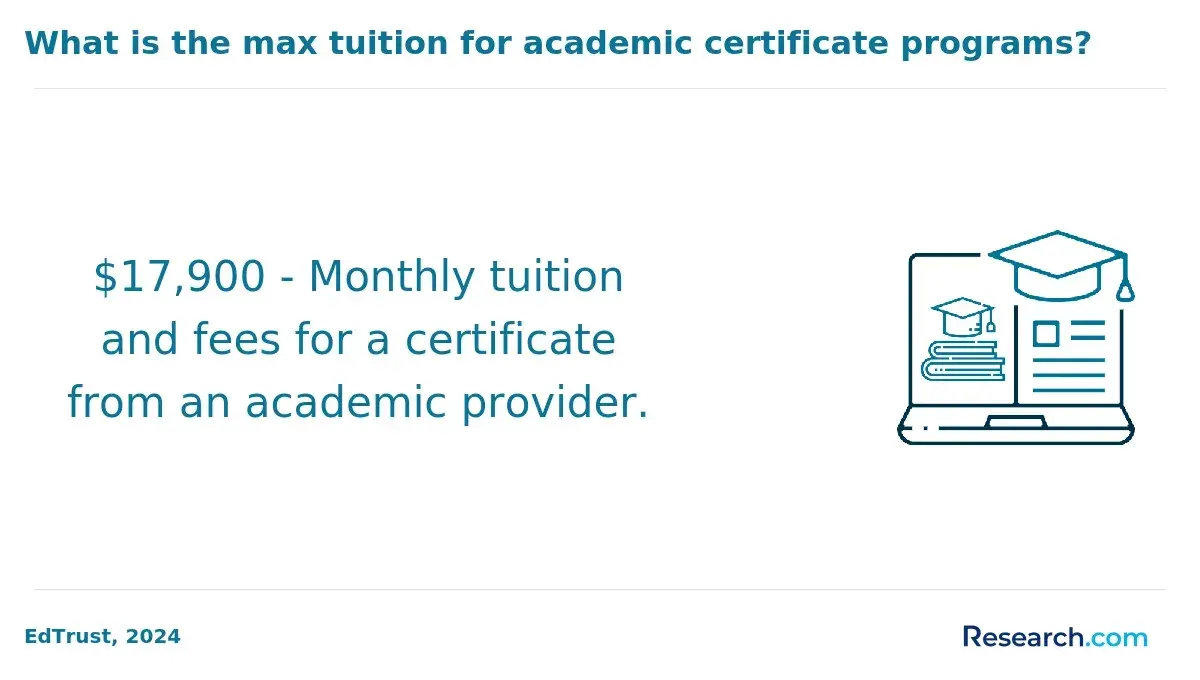
The most employable IT graduates usually show both breadth and focus. Breadth matters because entry-level and early-career roles often require troubleshooting across systems, networks, users, and applications; focus matters because employers also want evidence that a candidate can contribute in a specific environment.
The table below groups the skills that commonly appear in IT degree job postings. It separates foundational skills from differentiators so students can prioritize what to learn first.
| Skill Category | Examples Employers Commonly Mention | Why It Matters in Hiring | Priority Level for Most IT Students |
| Technical support and troubleshooting | Ticketing systems, hardware support, software installation, root-cause analysis | Many IT graduates start in roles where solving user and system problems quickly is central. | High |
| Networking | TCP/IP, DNS, DHCP, routing, switching, VPNs, wireless networking | Networking knowledge supports help desk, systems, cloud, and cybersecurity roles. | High |
| Operating systems and administration | Windows, Linux, macOS, Active Directory, group policy, permissions | Employers need candidates who can manage real environments, not just understand concepts. | High |
| Cybersecurity fundamentals | Identity access management, vulnerability scanning, endpoint protection, incident response | Security expectations now appear across general IT roles, not only dedicated security jobs. | High |
| Cloud platforms | AWS, Microsoft Azure, cloud storage, IAM, cloud networking, monitoring | Cloud skills help graduates compete for infrastructure, support, security, and DevOps-adjacent roles. | High for infrastructure-focused students |
| Scripting and automation | Python, PowerShell, Bash, automation scripts, configuration tasks | Automation reduces repetitive work and helps candidates stand out beyond basic support skills. | Medium to high |
| Databases and data tools | SQL, reporting tools, data validation, basic database administration | Business systems, analytics support, and application support roles often involve data workflows. | Medium |
| Soft skills | Communication, teamwork, documentation, prioritization, customer service | IT work usually requires explaining technical issues to nontechnical users and coordinating with teams. | High |
A common mistake is treating technical skills and soft skills as separate career tracks. In real postings, employers often ask for both: a candidate may need to configure an account, explain the issue clearly, document the fix, and escalate appropriately when the problem is outside their access level.
Experience requirements are often the biggest source of confusion in IT postings. "Entry-level" does not always mean "no experience"; many employers use it to mean limited professional experience plus evidence of labs, internships, coursework, customer service, or technical projects.
The table below shows how experience expectations commonly differ by career stage. Use it to judge whether a posting is realistic for your current profile or better saved for later.
| Career Stage | Common Experience Language | What Employers Usually Want to See | Best Evidence to Provide |
| Internship or student role | Currently pursuing a degree; basic coursework completed | Curiosity, reliability, foundational technical knowledge, willingness to learn | Labs, class projects, campus tech work, GitHub or documentation samples |
| Entry-level role | 0 to 2 years of related experience | Ability to troubleshoot, communicate with users, follow procedures, and learn tools quickly | Internships, help desk experience, home labs, certifications, customer-facing work |
| Early-career analyst or administrator | 2 to 4 years of experience | Independent problem-solving, system ownership, documentation, escalation judgment | Projects showing access management, server support, network fixes, or security workflows |
| Mid-level specialist | 3 to 5 or more years of related experience | Deeper platform knowledge, incident handling, cross-team coordination, process improvement | Work history with measurable improvements, migrations, audits, or automation results |
| Senior or lead role | 5 or more years, often with leadership or architecture responsibilities | Design decisions, mentoring, vendor management, risk ownership, strategic planning | Portfolio of implemented systems, leadership examples, architecture documents, business impact |
For students, the most important decision is not whether to wait until graduation to gain experience. It is how early to start building proof. A part-time help desk job, internship, campus IT position, cybersecurity competition, cloud lab, or volunteer systems project can make a résumé more credible than coursework alone.
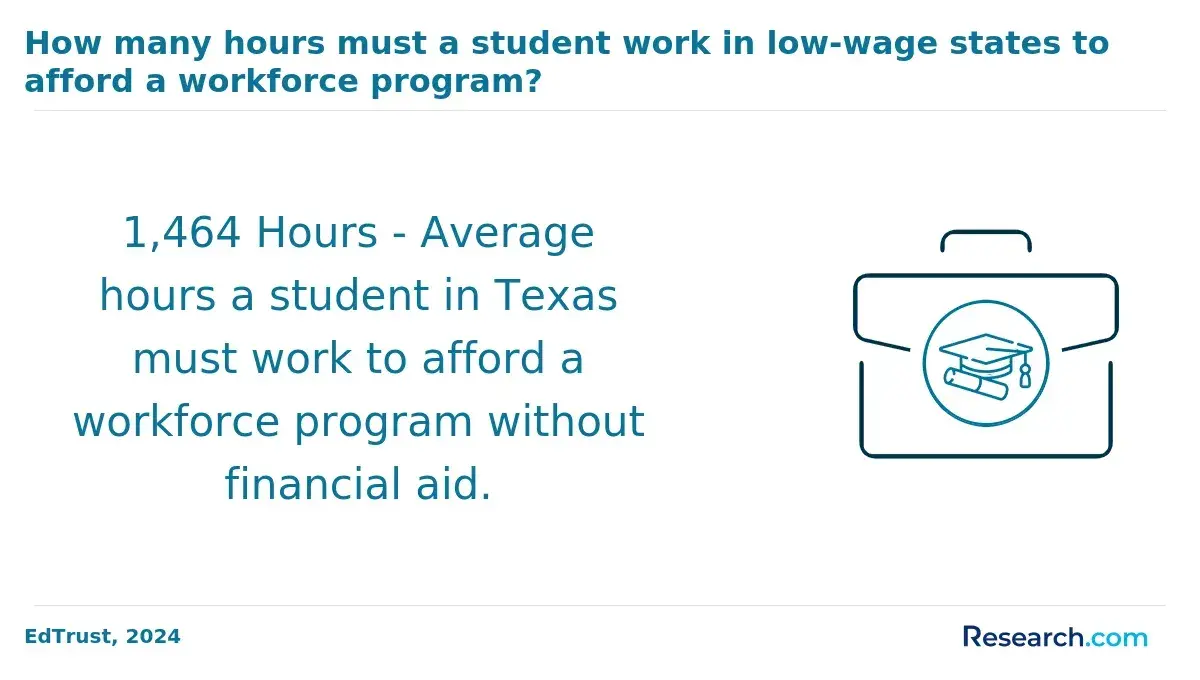
Certifications for jobs can improve competitiveness when they align with the job family you are targeting. They are most useful as evidence of a specific skill set, especially for candidates who have limited work experience or whose degree program is broad rather than specialized.
The table below summarizes certifications that commonly appear in IT postings and how students should think about them. Certification requirements change by employer, so always compare several postings before committing time and money.
| Certification | Best-Matched Roles | What It Signals | How to Prioritize It |
| CompTIA A+ | Help desk, desktop support, technical support | Foundational hardware, software, operating system, and troubleshooting knowledge | Good first certification for students targeting support roles |
| CompTIA Network+ | Network technician, systems support, junior administrator | Networking fundamentals across vendor-neutral concepts | Useful before CCNA or cloud networking work |
| CompTIA Security+ | Security analyst, systems support, government contractor roles | Baseline cybersecurity knowledge and risk awareness | High-value option for students considering cybersecurity or public-sector IT |
| Cisco CCNA | Network administrator, network engineer, infrastructure support | Routing, switching, network operations, and Cisco-oriented networking skills | Best for students committed to networking or infrastructure |
| AWS Certified Cloud Practitioner or AWS Associate-level credentials | Cloud support, cloud operations, DevOps-adjacent roles | Cloud service knowledge, architecture basics, and platform familiarity | Useful when postings mention AWS specifically |
| Microsoft Azure fundamentals or administrator credentials | Cloud support, systems administration, Microsoft-heavy environments | Azure, identity, cloud services, and Microsoft ecosystem knowledge | Strong fit when postings mention Azure, Microsoft 365, or Entra ID |
| ITIL Foundation | Service desk, IT operations, IT service management | Understanding of structured IT service processes | Helpful in large organizations with formal ticketing and service workflows |
| CISSP | Senior cybersecurity, security management, risk roles | Advanced security knowledge and professional experience | Usually not an entry-level priority because it is designed for experienced professionals |
A major red flag is collecting certifications without a career target. If you want help desk work, A+ and practical troubleshooting may matter more than an advanced cloud certification. If you want cybersecurity, Security+, networking fundamentals, Linux, scripting, and incident-response labs may be a better sequence than jumping straight into a senior-level credential.
Employer expectations differ because IT work is shaped by risk, scale, regulation, budget, and the type of systems being supported. A small company may prefer a generalist who can support users, networks, and cloud apps, while a large enterprise may hire narrowly for identity management, endpoint security, database administration, or network operations.
The table below shows how posting requirements often shift by employer context. This can help students avoid applying the same résumé to every role and instead tailor evidence to what the employer values most.
| Employer Context | What Postings Often Emphasize | Candidate Advantage | Common Mistake to Avoid |
| Small and midsize businesses | General troubleshooting, vendor systems, Microsoft 365, networking basics, user support | Broad skills and willingness to handle varied tasks | Presenting yourself as too narrow for a hands-on generalist role |
| Large enterprises | Specialized platforms, change management, documentation, escalation processes, security controls | Clear role focus and experience with structured processes | Ignoring process, compliance, and teamwork expectations |
| Government contractors | Security baselines, documentation, possible clearance eligibility, compliance frameworks | Security+ and careful attention to requirements language | Assuming all qualifications are flexible when some contract requirements may be strict |
| Healthcare employers | Privacy, uptime, user support, EHR systems, secure access | Reliability, discretion, and ability to support nontechnical users under pressure | Focusing only on tools and ignoring patient-care consequences of system downtime |
| Cloud-first companies | AWS, Azure, automation, identity management, monitoring, infrastructure-as-code exposure | Cloud labs, scripting, and platform-specific projects | Claiming cloud experience without being able to explain what you built or supported |
| Security-sensitive organizations | Incident response, vulnerability management, access control, logging, risk assessment | Hands-on labs, security coursework, certifications, and analytical writing | Applying to cybersecurity roles with no networking, systems, or log-analysis foundation |
The strongest applications mirror the employer's environment. If a posting mentions Active Directory, endpoint management, and ticket queues, your résumé should show those exact capabilities when you have them, rather than only listing a broad degree title.
Emerging IT skills are becoming more visible because organizations are modernizing infrastructure, expanding cloud services, and responding to AI-related security and governance risks. The release of NIST Cybersecurity Framework 2.0 in 2024 also reinforced that cybersecurity is not only a technical issue but an organizational risk-management function.
The table below highlights emerging or increasingly important skill areas that students should watch in job postings. These are not replacements for core IT fundamentals; they are add-ons that can improve competitiveness once the foundation is solid.
| Emerging Skill Area | How It Appears in Postings | Why It Is Becoming More Important | Good Student Project Example |
| AI-enabled IT operations | Automation, monitoring, anomaly detection, AI tools, workflow improvement | Employers want IT teams to reduce repetitive work and identify issues faster. | Create a scripted alerting or ticket-triage workflow using sample system logs. |
| Cloud security | IAM, least privilege, secure cloud storage, cloud logging, shared responsibility model | More systems are hosted in cloud environments, increasing demand for secure configuration skills. | Build a small cloud environment with restricted access, logging, and documented controls. |
| Zero trust concepts | Identity verification, access controls, segmentation, conditional access | Organizations are moving away from assuming internal networks are automatically trusted. | Document an access-control plan for users, devices, and applications in a sample company. |
| Security automation | SOAR concepts, scripting, automated alerts, vulnerability workflows | Security teams need repeatable processes for high-volume alerts and routine checks. | Use Python or PowerShell to parse logs and flag suspicious patterns in a lab dataset. |
| Data governance and privacy | Data classification, retention, access rights, compliance support | IT teams increasingly help organizations control where data lives and who can access it. | Create a data inventory and access policy for a mock department. |
| DevOps and infrastructure as code | CI/CD, Git, containers, Terraform exposure, deployment pipelines | Infrastructure and application teams are more connected than in traditional IT environments. | Deploy a basic application environment using version-controlled configuration files. |
The biggest mistake is chasing every emerging trend at once. Students should first build fundamentals in networking, systems, cybersecurity online degree, and troubleshooting, then add one emerging skill that fits the career path they actually want.
The best way to match your qualifications to employer expectations is to treat job postings as a skills map. Instead of reading one posting and reacting to it, compare a cluster of similar postings and identify which requirements repeat most often.
Use the following process to turn postings into a practical learning and application plan. Each step helps you separate required qualifications from nice-to-have extras.
- Choose one target role family, such as help desk, systems administration, cybersecurity, networking, cloud support, or business systems analysis.
- Collect 10 to 15 current postings for that role in your preferred location, remote category, or industry.
- Highlight repeated technical skills, repeated soft skills, degree language, certifications, and experience requirements.
- Sort requirements into three groups: must-have for screening, commonly preferred, and differentiators that only appear in some postings.
- Compare your résumé against the must-have group first, then build projects, labs, coursework, or short certificate programs to close the largest gaps.
- Rewrite résumé bullets using evidence, such as "resolved," "configured," "secured," "documented," "automated," or "supported," instead of only listing tools.
- Prepare interview examples that explain the problem, your action, the tools used, and the result.
Several mistakes can weaken otherwise qualified applicants. Students should avoid waiting until the last semester to build experience, listing tools they cannot discuss, applying with the same résumé to every job, ignoring communication skills, or pursuing certifications that do not match their target postings.
Students should use job posting trends to choose a career path by matching three things: market demand, personal fit, and realistic preparation time. A role may look attractive because of salary or growth, but it may not be the best near-term target if the postings consistently ask for experience or tools you have not yet built.
The following guide can help students prioritize the path that fits their current strengths and next steps. It is especially useful for deciding which electives, internships, certifications, and projects deserve attention first.
- Choose help desk or IT support if you want the fastest practical entry point and need to build professional technical experience while strengthening troubleshooting and customer communication.
- Choose networking or systems administration if you enjoy infrastructure, uptime, accounts, devices, servers, and solving technical problems behind the scenes.
- Choose cybersecurity if you are willing to build a strong foundation in networking, operating systems, logging, risk, and incident response before expecting a dedicated security role.
- Choose cloud support or cloud operations if you like infrastructure but want to work with AWS, Azure, identity management, automation, and scalable environments.
- Choose business systems analysis if you enjoy translating business needs into technical requirements, working with data, documenting workflows, and coordinating with stakeholders.
A good decision rule is to pick one primary path and one supporting skill. For example, a cybersecurity student may pair Security+ with networking labs; a cloud student may pair Azure coursework with PowerShell; a business systems student may pair SQL with requirements documentation. This prevents overinvestment in scattered credentials and creates a clearer story for employers.
Most information technology job postings use education requirements as a screening signal, but they vary in how strict they are. Some employers require a bachelor's in online CS degree, information technology, cybersecurity, information systems, or a related field; others accept an associate degree, certifications, military experience, or equivalent work experience.
The table below explains how employers typically frame education credentials. This distinction matters because "required" language may affect whether an applicant passes screening, while "preferred" language may leave room for strong projects, internships, or certifications.
| Credential | How It Appears in Postings | When It Helps Most | Limitations |
| Associate degree in IT or related field | Often accepted for help desk, technician, desktop support, and junior network roles | Useful for faster entry into support or technician pathways | May limit access to postings that explicitly require a bachelor's degree |
| Bachelor's degree in IT, information systems, computer science, or cybersecurity | Commonly listed for analyst, administrator, cybersecurity, cloud, and business systems roles | Strong fit for students seeking broader advancement options | Still needs experience, projects, and role-specific tools to be competitive |
| Master's degree | Usually preferred, not required, for specialized, leadership, architecture, or senior analyst roles | Helpful for career changers, advancement, management, or specialized security and data roles | Often not necessary for entry-level IT support or junior administration roles |
| Bootcamp or short credential | Sometimes accepted when paired with a portfolio, certification, or prior work experience | Best for targeted upskilling in cloud, cybersecurity, coding, or analytics tools | May not satisfy degree-required postings |
| Equivalent experience | Often phrased as "degree or equivalent experience" | Important for candidates with military IT, help desk, technical support, or self-directed lab experience | Applicant tracking systems may still favor clearly stated credentials |
Students comparing programs should look beyond the degree title. Strong IT programs usually include networking, operating systems, databases, cybersecurity, cloud computing, scripting, project management, and hands-on labs, because those areas map directly to posting language.
Other Things You Should Know About Information Technology
Not always, but certifications can help when they match the role. Entry-level support candidates often benefit from CompTIA A+, networking candidates from Network+ or CCNA, and security-focused candidates from Security+. Certifications work best when paired with hands-on projects or experience.
Many analyst, administrator, cloud, and cybersecurity postings prefer or require a bachelor's degree in IT or a related field. However, some support and technician roles accept an associate degree, certifications, military training, or equivalent experience.
Help desk, desktop support, campus IT, technical support, and junior systems roles are common starting points. These jobs help students build troubleshooting, documentation, user support, and systems experience that can lead to networking, cloud, cybersecurity, or analyst roles.
Compare several current postings for the same target role and look for repeated requirements. Skills that appear across many postings should be prioritized before niche tools that only appear once or twice.
- Skill Set, Match - Indeed Hiring Lab https://www.hiringlab.org/2026/04/09/skill-set-match-in-job-postings/
- 5 In-Demand Technology Roles & Hiring Trends 2026 https://www.alexandertg.com/most-in-demand-tech-jobs/
- 10 of the Most In-Demand IT Jobs â and Why https://www.skillsoft.com/blog/10-of-the-most-in-demand-it-jobs-and-why
- Skills-based Hiring | Learn & Work Ecosystem Library https://learnworkecosystemlibrary.com/topics/skills-based-hiring/
- MockIT https://mockit.pl/en/blog/soft-skills-in-it-industry
- The Top Information Technology Skills Employers Want | AIU https://www.aiuniv.edu/degrees/information-technology/articles/top-information-technology-skills-employers-want
- 5 essential soft skills every IT contractor needs - Younity https://www.younity.co.nz/5-essential-soft-skills-every-it-contractor-needs/
- Should Companies Prioritize Skills Over Credentials? https://wearetrueline.com/should-companies-prioritize-skills-over-credentials/
- 5 Essential IT Skills Employers Want to See in Candidates https://www.umassglobal.edu/blog-news/5-essential-skills-employers-want-see-candidates
- Hard Skills vs. Soft Skills: Why Both Matter in 2025/26 Hiring https://www.assesscandidates.com/hard-skills-vs-soft-skills-in-hiring/